A day-by-day journal and productivity companion
Your day.
your pace.
Some days you'll knock out ten things. Some days you'll write a sentence and call it done. Both are fine.

Free to start. No card needed.
How a day works
One day at a time.
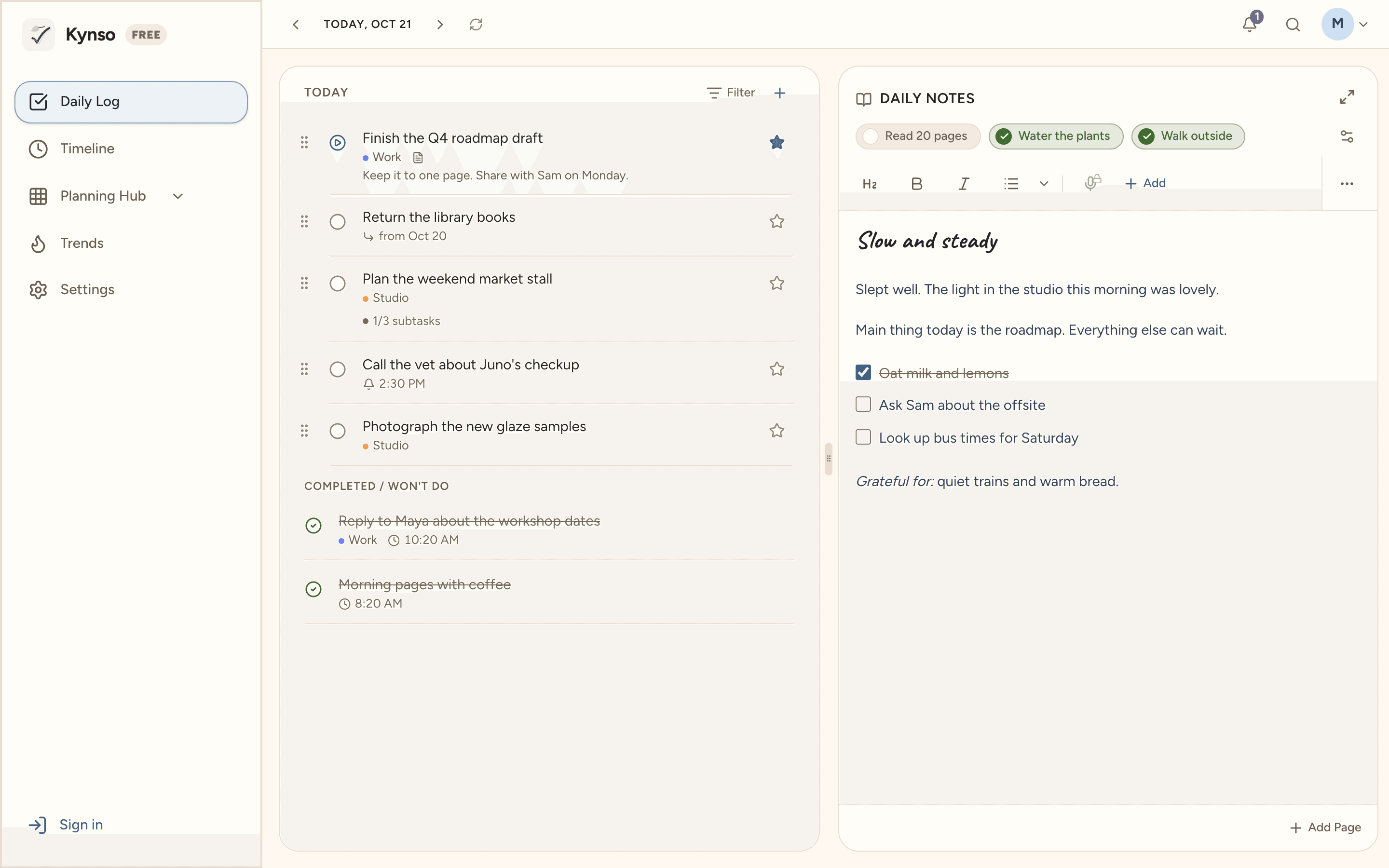
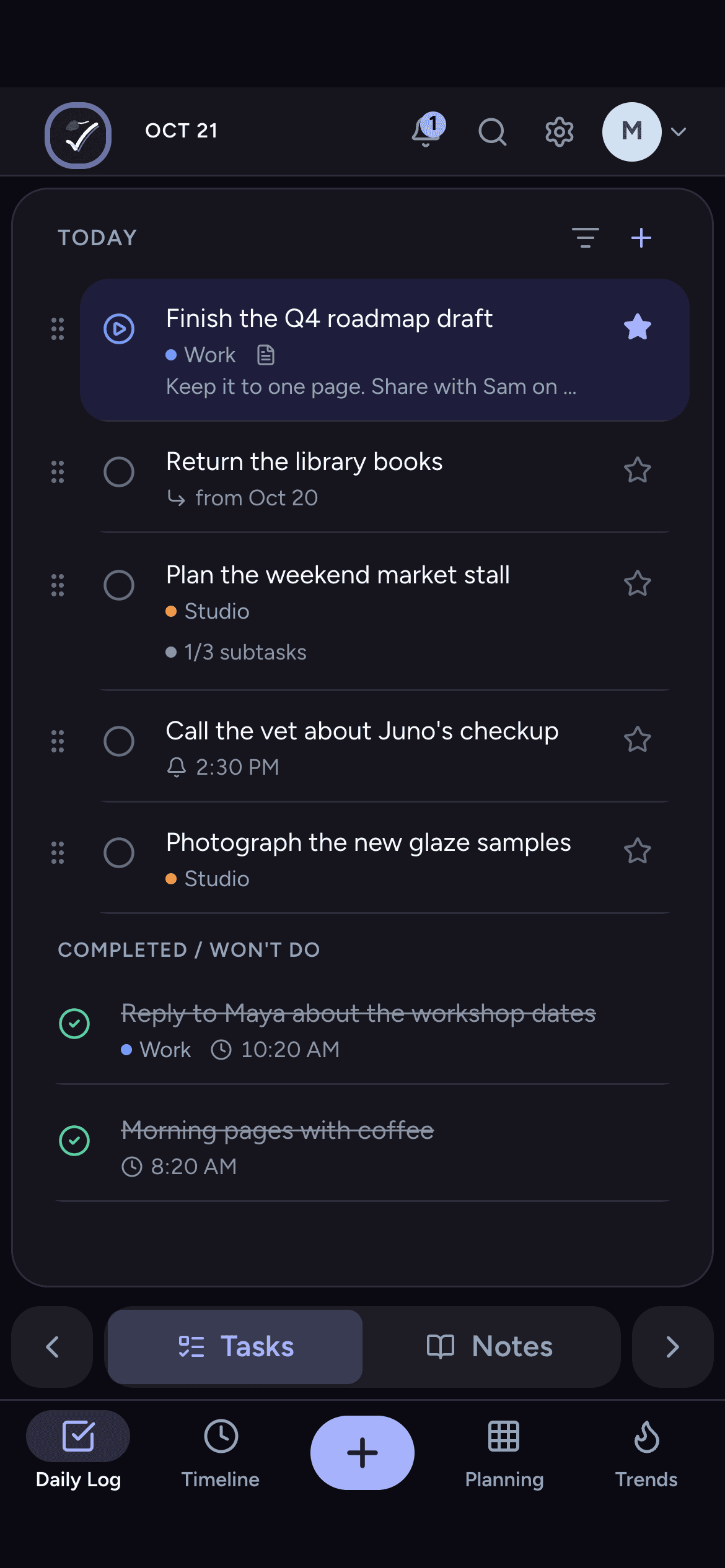
Open Kynso and today is waiting. Your tasks, your note, the small things you check off. That's the whole idea.
 1
1Plan today
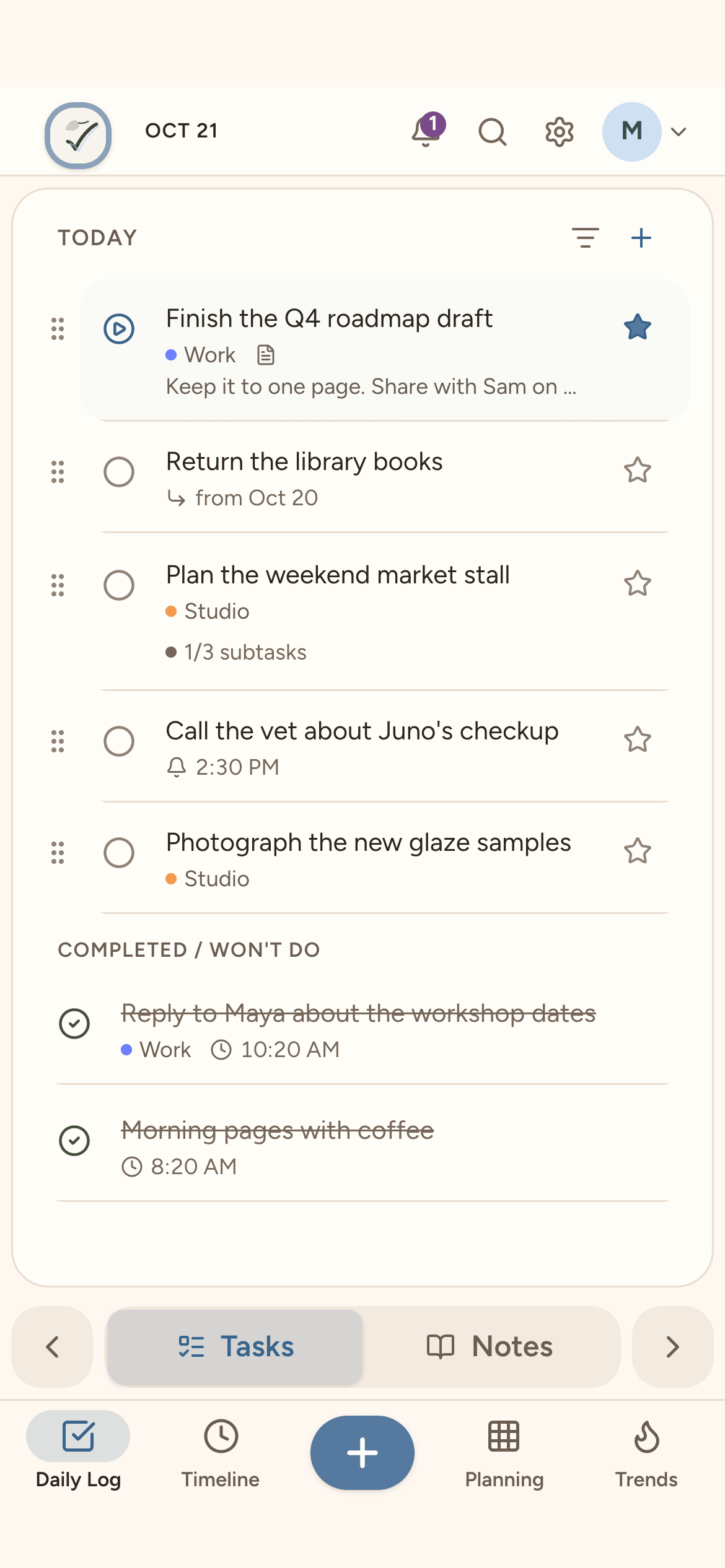
Add what's on your mind and write a few lines beside it. Tick things off as you go.
 2
2Carry it forward
Didn't get to something? It moves to tomorrow on its own, marked where it came from. No guilt, nothing lost.
 3
3Look back, look ahead
The Timeline keeps what you did each day, and shows what's coming up on the days ahead.
“I tried every productivity app and always went back to pen and paper. The problem wasn't the features. It was the pressure. So I built something different.”
Tasks
Tasks that stay light.
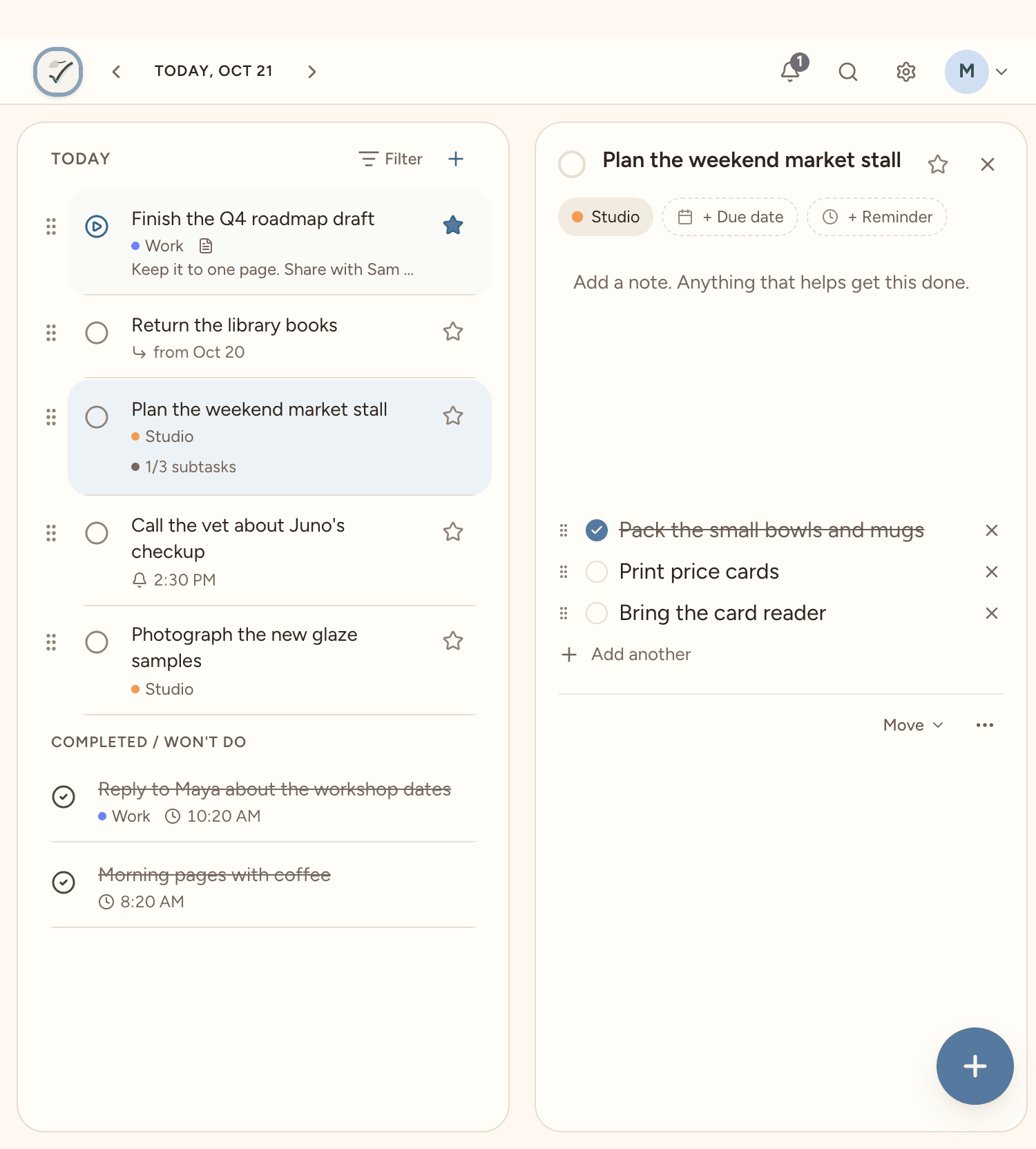
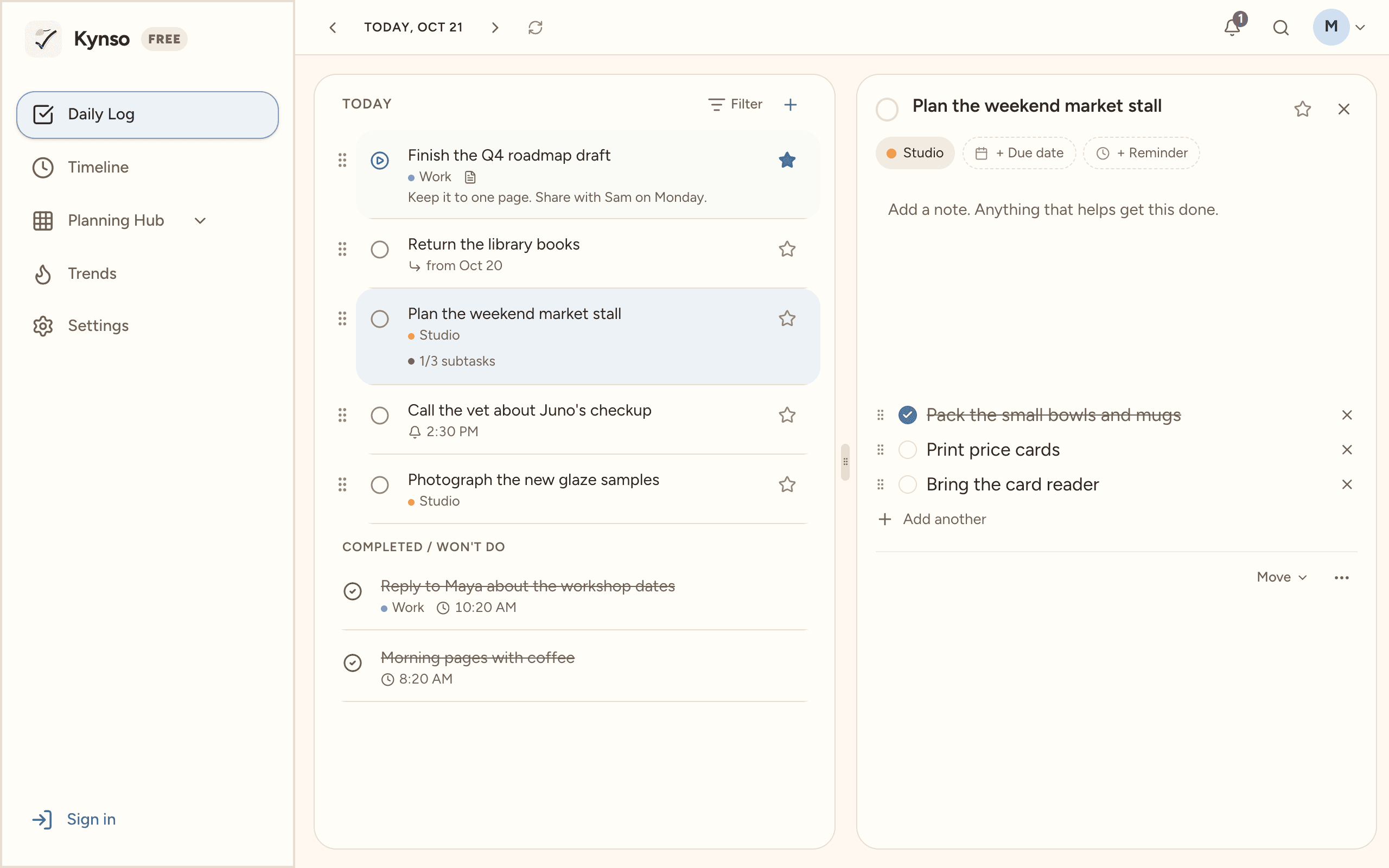
Open a task and everything about it is right there, without a form to fill in.
- Star the one that matters most today
- Break it into subtasks
- Repeat it, or have it show up a few days early
- Snooze it to another day
- A reminder at the time you pick
Notes
Notes like a notebook.
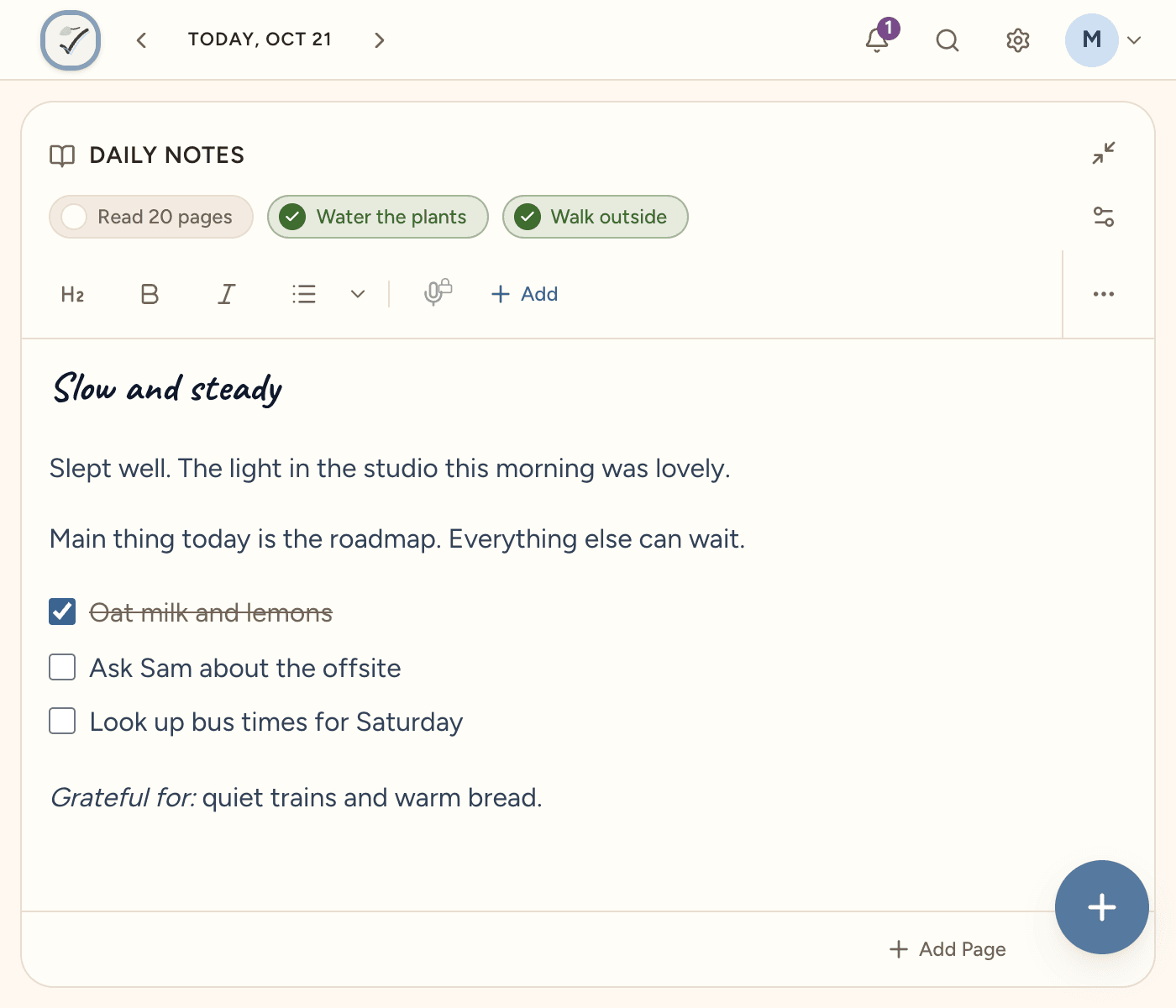
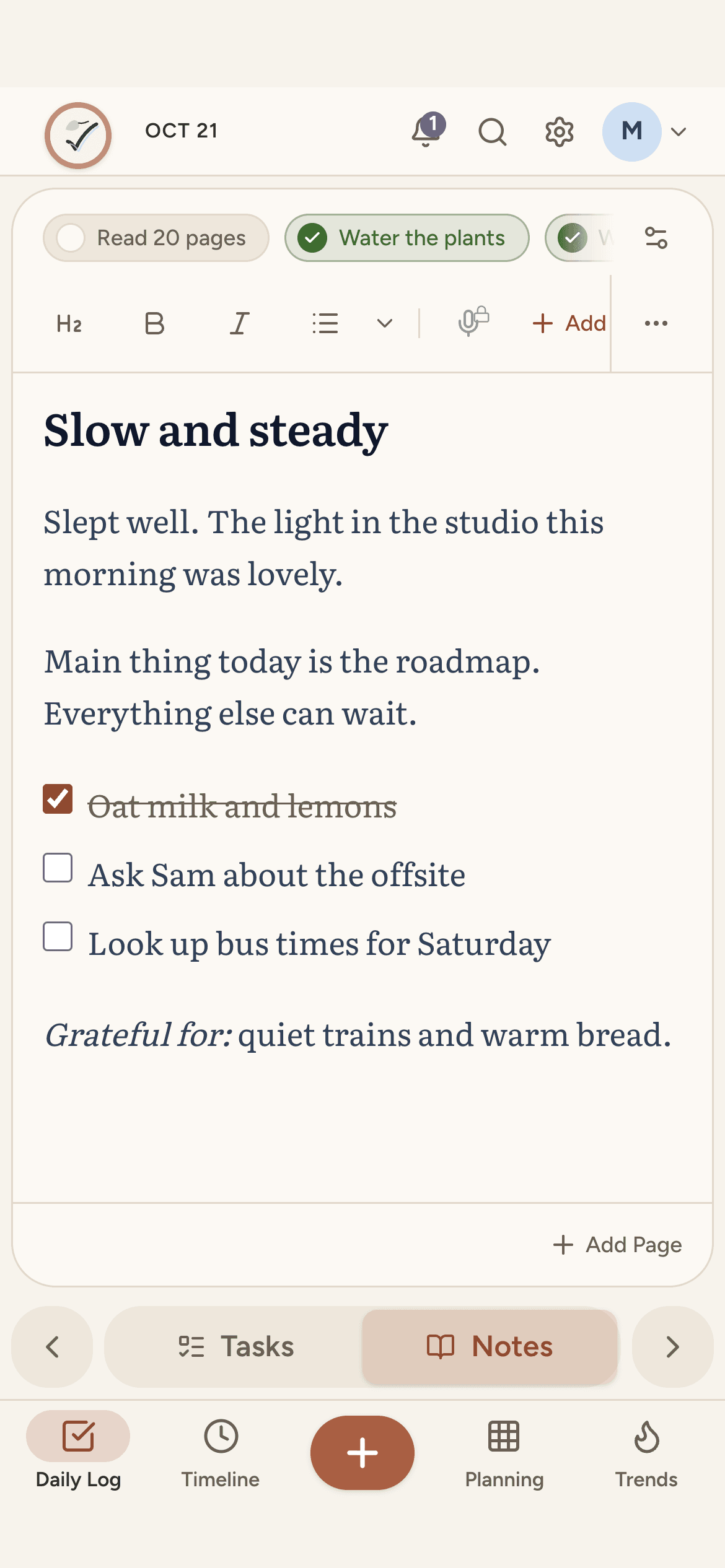
Every day has a page for whatever you want to write. A line, a list, a long entry.
- Headings, checklists and highlights
- Another page when a day needs one
- Start from a template, or let one fill in each morning
- Photos and voice notes, with Pro
Daily checks
Small things, most days.
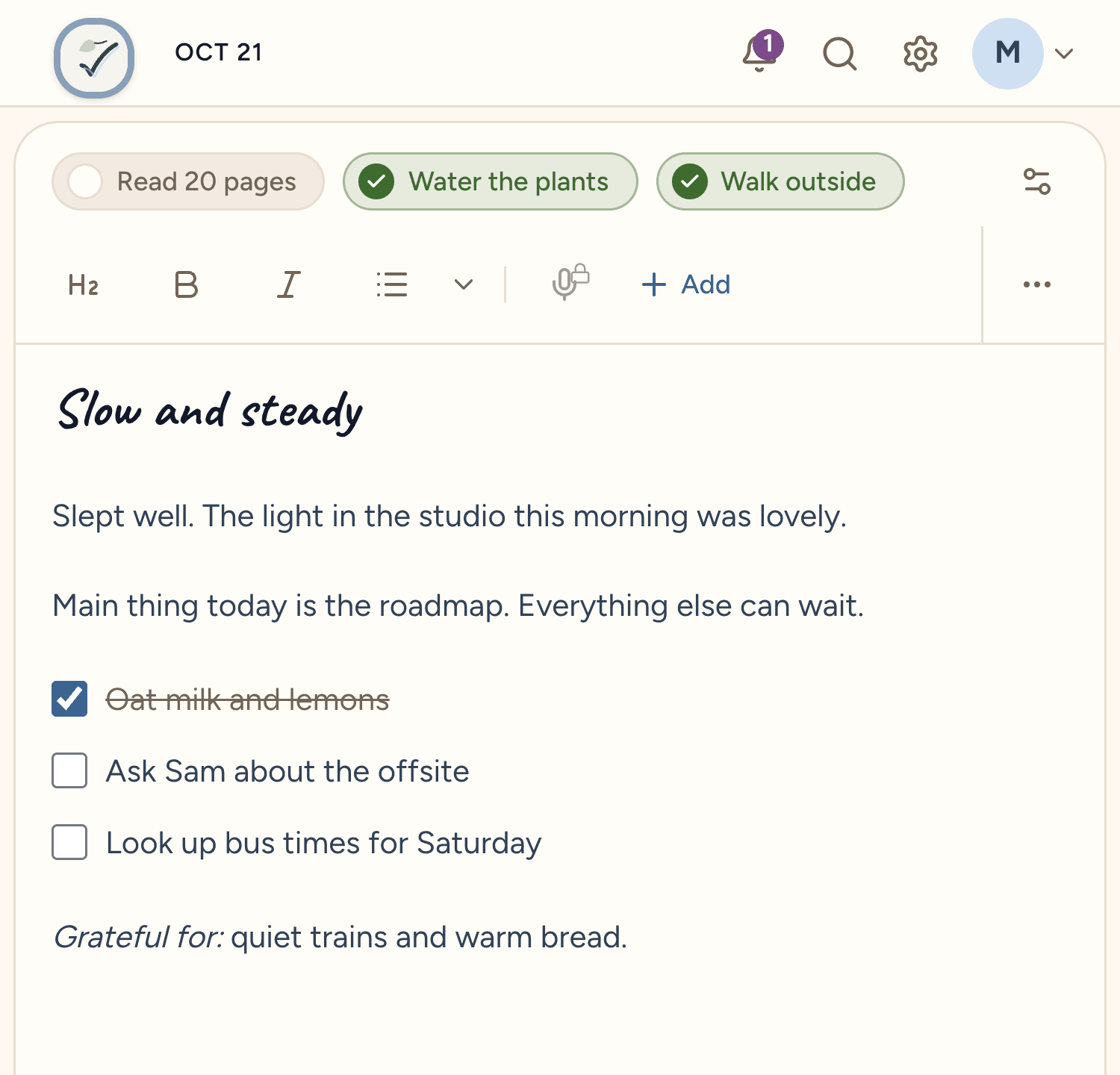
Water the plants, read a little, walk outside. Tick them off above your note, only on the days you pick. Kynso keeps a gentle count of days in a row. No targets, no streak to lose.
Timeline
Look back, look ahead.
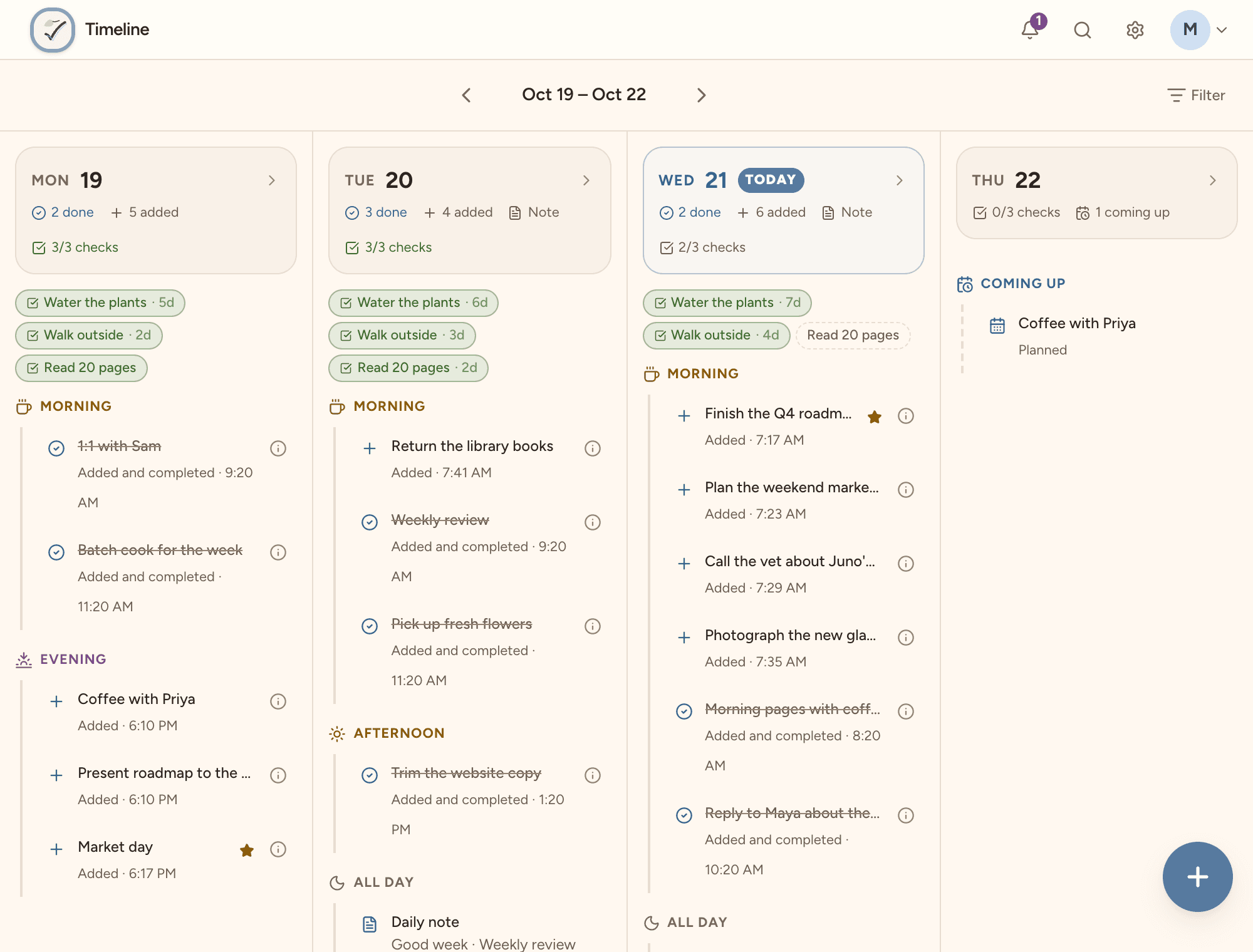
See what you added, finished and moved, day by day. The days ahead show what's coming up: what's due, what you planned, and what comes back from a snooze.
Planning Hub
For everything that isn't today.
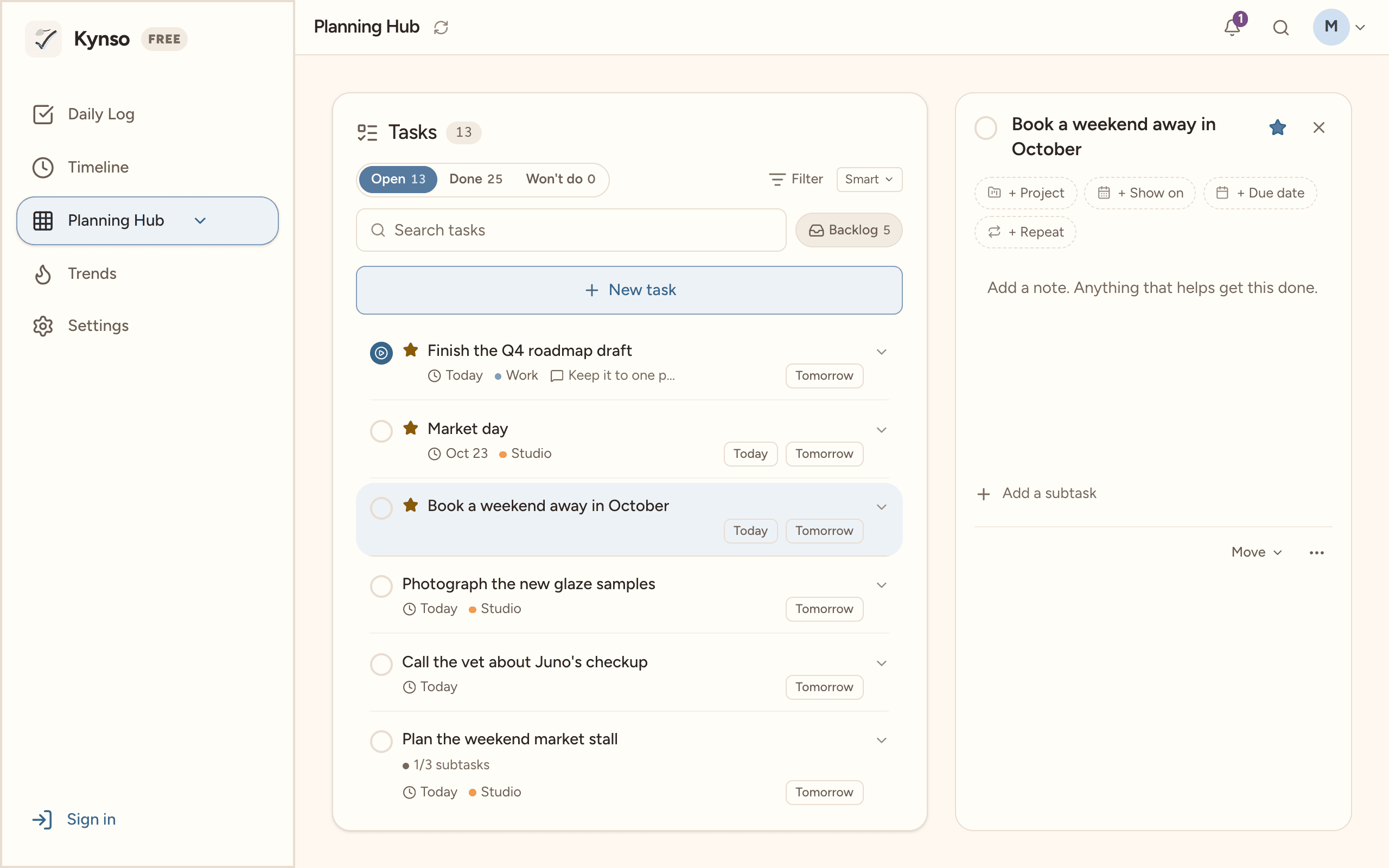
Keep the rest in the Planning Hub. Group tasks into projects, give them due dates, and put them on a day when you're ready. They come to your Daily Log on their due date. Work and Personal stay apart as profiles, like accounts in a mail app.
Every screen
Phone, tablet, foldable, desktop.
Kynso fits the screen you have. Unfold a Galaxy Fold and your tasks and notes sit side by side. Put today's tasks on your home screen with a widget, on Android and iOS.
Make it yours
Four looks. light or dark.
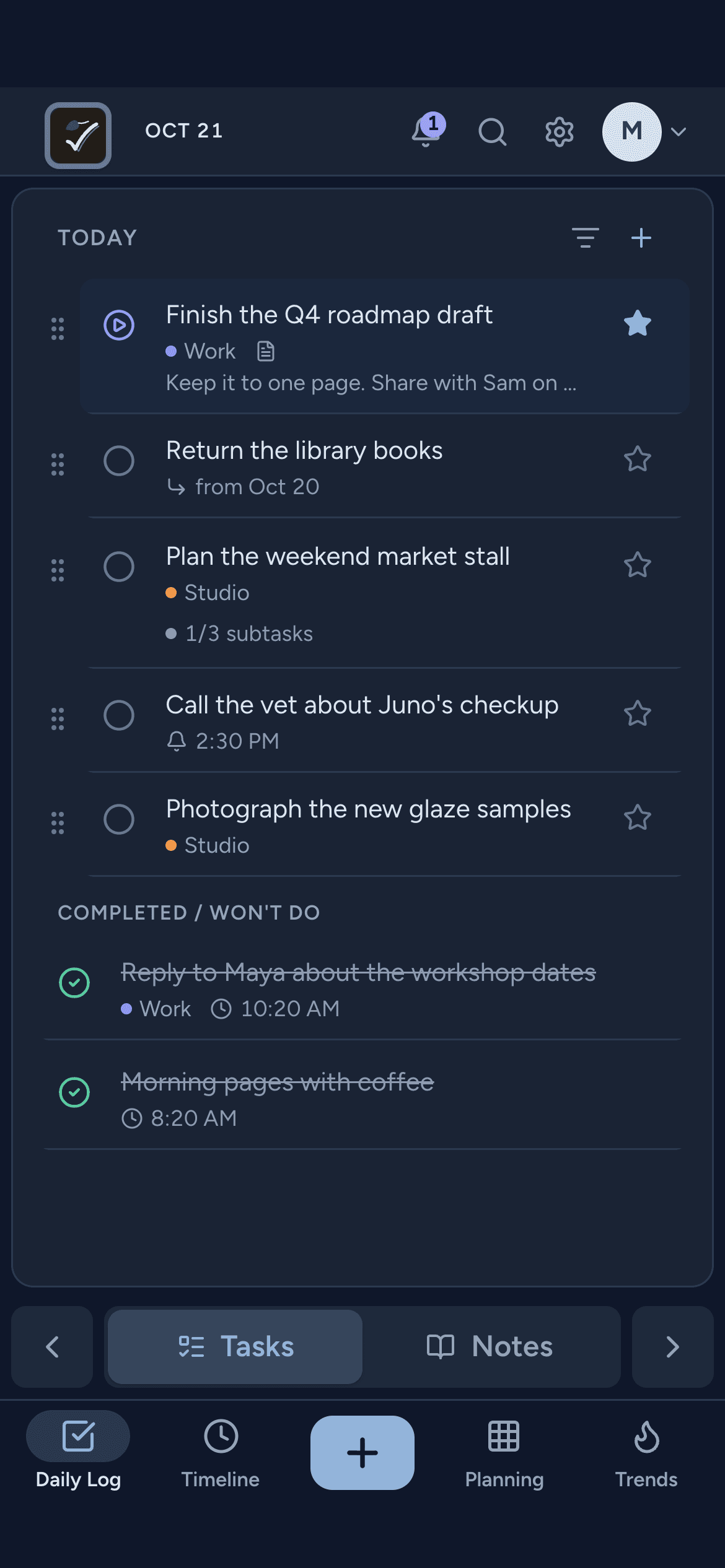
Paper's notebook feel and Modern's clean one are free. Linen, set like a printed book, and Slate, cool and precise, come with Pro, along with more accent colours for every look. Light, dark or true black, and each profile can have its own.
Also in Kynso
The little things.
Bring your tasks
Import from Todoist, TickTick or Google Tasks. Lists become projects.
Home-screen widgets
Today's tasks on your home screen, on Android and iOS. Tick them off without opening the app.
Share to Kynso
Share a link or a few lines from any app. They land as a task, extra lines as subtasks.
Works offline
No signal, no problem. Everything syncs when you're back.
No account needed
Try the apps without signing up. Make an account when you want your days on every device.
Search everything
Find any task or note in a moment.
Trends
Plain numbers over 7, 30 or 90 days, and a grid for each daily check. What got done, not a score.
Gentle reminders
A nudge at the time you pick, and quiet hours you set.
Pricing
Start free. Stay free.
Upgrade when you want more room. Not before.
Free
Everything you need for today
$0forever
- 2 profiles
- 3 projects
- 3 daily checks
- 1 note template
- Paper and Modern, light and dark
- Carry-forward and reminders
Pro
For the days you want to go deeper
$29.99a year
or $3.99 a month. The trial is on yearly.
Or $79.99 once for Pro for life, a founding price until 31 Dec. Everything here, for as long as Kynso runs.
- Unlimited profiles and projects
- Unlimited daily checks and templates
- Photos and voice notes in your notes
- More accent colours for every look
- 90 days of Trends and a year of habits
- App icons and two more looks
- Connect AI apps like Claude